Your products in a live mockup editor
Customers and designers put artwork on your real product photos, see a photo-real preview as they work, and download exact-size print files your production line can use straight away. Built for sublimation (all-over) and DTF print-on-demand.
- No sign-up to try
- Runs in the browser
- Works on phones
Add it to the store you already use
See it in action
From artwork to finished product
Watch a design go onto every panel of a polo, become photo-real mockups and turn into print-ready files for every size.
- 1Design on the real cut pieces
- 2Get photo-real mockups of every view
- 3Download print-ready files for every size
Two kinds of products
One editor for sublimation and DTF
Whether you print all-over on cut panels or place transfers on finished garments, your customers design the same way.
Sublimation · all-over print
Available nowThe design covers every cut panel edge to edge: leggings, swimwear, jerseys, shirts. Print files are the graded pieces of every size, nested on the sheet, ready for the sublimation printer and heat press.
- Artwork on every panel, seam to seam
- Graded to every size automatically
- Nested sheet per size at 300 DPI
DTF · direct to film
Coming soonPlaced prints on finished garments: chest logos, back prints, sleeve hits. Print files are transparent PNGs at exact size for each print location, ready for your DTF gang sheets.
- Print locations at their real size
- Transparent 300 DPI PNG per location
- Any garment colour in the preview
Try it now
Design a demo product
Pick a product and start designing. No account, nothing to install. Your design stays in your browser.
 Sublimation · Swimwear
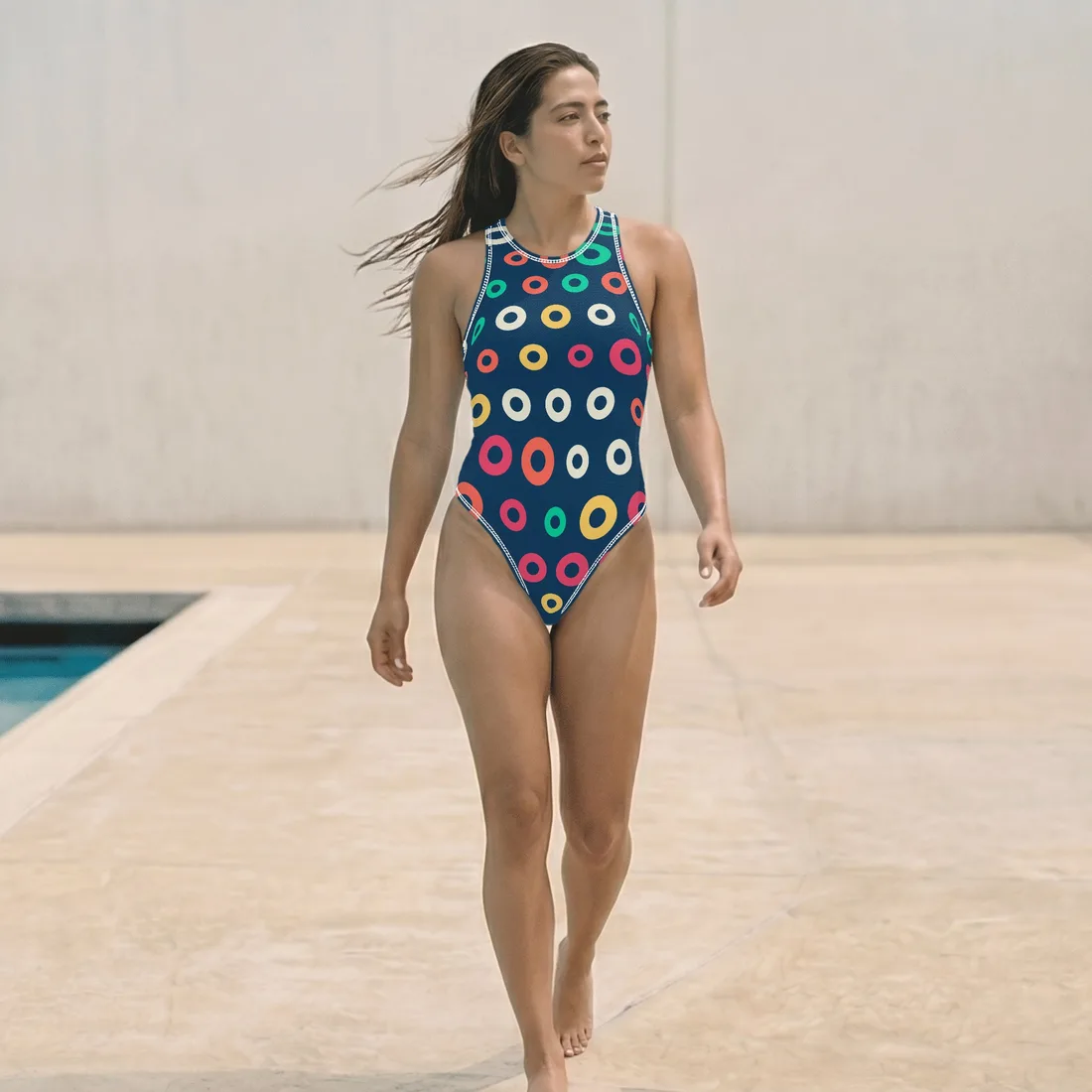
Swimsuit
DesignAll-over print one-piece with 3 cut panels, graded to 11 sizes.
3 views3 print areas11 sizes
 Sublimation · Apparel
T-Shirt
DesignAll-over print crew-neck tee: front, back, both sleeves and collar, graded to 11 sizes (XS–7XL).
1 view5 print areas11 sizes
 Sublimation · Apparel
Polo Shirt
DesignAll-over print polo with placket and collar pieces, 4 photo views, graded to 12 sizes (XS–8XL).
4 views5 print areas12 sizes
 Sublimation · Apparel
Shirt
DesignAll-over print button-up shirt: front panels, back, sleeves, inner and outer collar, 9 sizes (XS–5XL).
4 views6 print areas9 sizes
Your first product, configured free
Send us one product. We configure it in the editor and align the setup with how you produce, so you can see it working with your own product before you commit to anything.
Get my free product setup- Your product set up in the editor, aligned with your production flow
- Photo-real mockups of your product to use right away
- Cutout images of every panel to design on
For your POD production flow
From a customer's design to print files, with no redrawing
The editor makes print files from the same data as the preview, so what the customer approves is what gets printed. No designer redraws artwork onto patterns for each order or each size.
- Exact physical size per cut piece, with bleed
- 300 DPI PDF or PNG with the resolution set
- Nested print sheet for every size, artwork graded
- Each graded piece as its own file
- Photo-real mockups of every view for listings and approvals
Hosted editor link
A ready-to-use editor at your own link for your team or customers.
Embedded in your store
Placed on your product pages so shoppers design before they order.
Fitted to your workflow
Files named and delivered the way your production line already works.
Want to see your product in it?
Your first product is configured free: send us one and see it working in your own editor.
Talk to usFAQ
Questions we get asked
Which kinds of products does the editor support?
Sublimation (all-over print) products today: apparel, swimwear and sportswear made from cut panels. DTF (direct to film) products for placed prints on finished garments are coming soon.
What does the free first product include?
We configure one of your products in the editor and align the setup with your production flow. You also get photo-real mockups of the product and the cutout images of every panel to get started.
What files do I need to send?
Product photos for each view (a layered PSD is best), the flat patterns or dielines of the cut pieces, your size range with the pattern per size, and how your printer wants the files (format, DPI, bleed).
What do the print files contain?
For every size: a nested print sheet at real size and 300 DPI with the artwork graded onto each cut piece, plus every piece as its own PNG. Only the printed pieces are on the sheet, ready for the printer and heat press.
Do customers need an account or to install anything?
No. The editor runs in the browser on desktop and phones. Designs and uploaded images stay on the device, and mockups and print files are made right there.
Can the editor be added to my store or workflow?
Yes: as a hosted link for your team or customers, embedded on your product pages, or with files named and delivered the way your production line already works.
Which e-commerce platforms can it work with?
Shopify, WooCommerce, Wix, BigCommerce, Squarespace, Webflow, Magento (Adobe Commerce), PrestaShop, Shopware, OpenCart, Odoo and custom or headless stores. The editor goes on your product pages, and each order arrives with its mockups and print-ready files. We set up the integration for your platform.